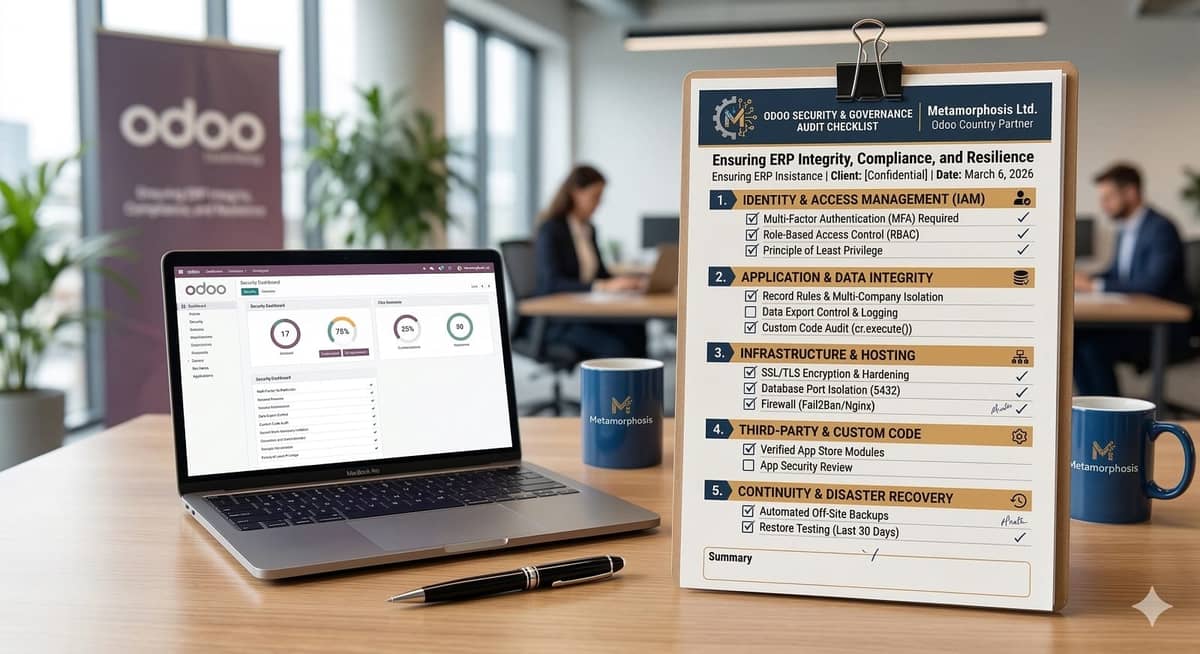
Odoo Security & Governance Audit - Download Free Checklist
Safeguarding Your ERP Investment
In today’s rapidly evolving digital landscape, your ERP is more than just a management tool—it is the digital vault of your entire organization’s intellectual and financial capital. However, as businesses scale their Odoo implementations, security configurations can often fall into a "set it and forget it" trap. A single oversight in user permissions or a misconfigured server port can expose sensitive data, leading to operational disruptions and compromised trust. Proactive governance isn’t just a technical requirement; it’s a strategic necessity to ensure your business remains resilient against modern cyber threats.
To help you safeguard your investment, we have developed this Odoo Security & Governance Audit Checklist based on our extensive experience in the ecosystem. This comprehensive resource is designed to give CTOs and business owners a clear, actionable roadmap to fortify their system—covering everything from multi-factor authentication and granular access controls to infrastructure hardening and disaster recovery. Use this guide to perform a high-level health check on your Odoo instance and ensure your platform is as secure as it is powerful.
Section 1: Identity & Access Management (IAM)
Protecting the "Front Door" of your ERP.
- Two-Factor Authentication (2FA): Strictly enforced for all Admin/Manager roles.
- Principle of Least Privilege: Users only have access to modules required for their job.
- User Deactivation: All former employees/contractors have been moved to 'Inactive'.
- Password Complexity: Enforced minimum 10 characters with symbols/numbers.
- Portal Access Control: External users (customers/vendors) restricted from internal logs.
Section 2: Application & Data Integrity
Ensuring internal data stays where it belongs.
- Record Rules: Multi-company or branch-level isolation is active and tested.
- Audit Logging:
auditlogmodule installed for sensitive models (Journal Entries, HR). - Export Permissions: Mass "Export" feature disabled for non-essential staff.
- External API Safety: Integration keys are rotated and use non-admin users.
...